
Pod shell
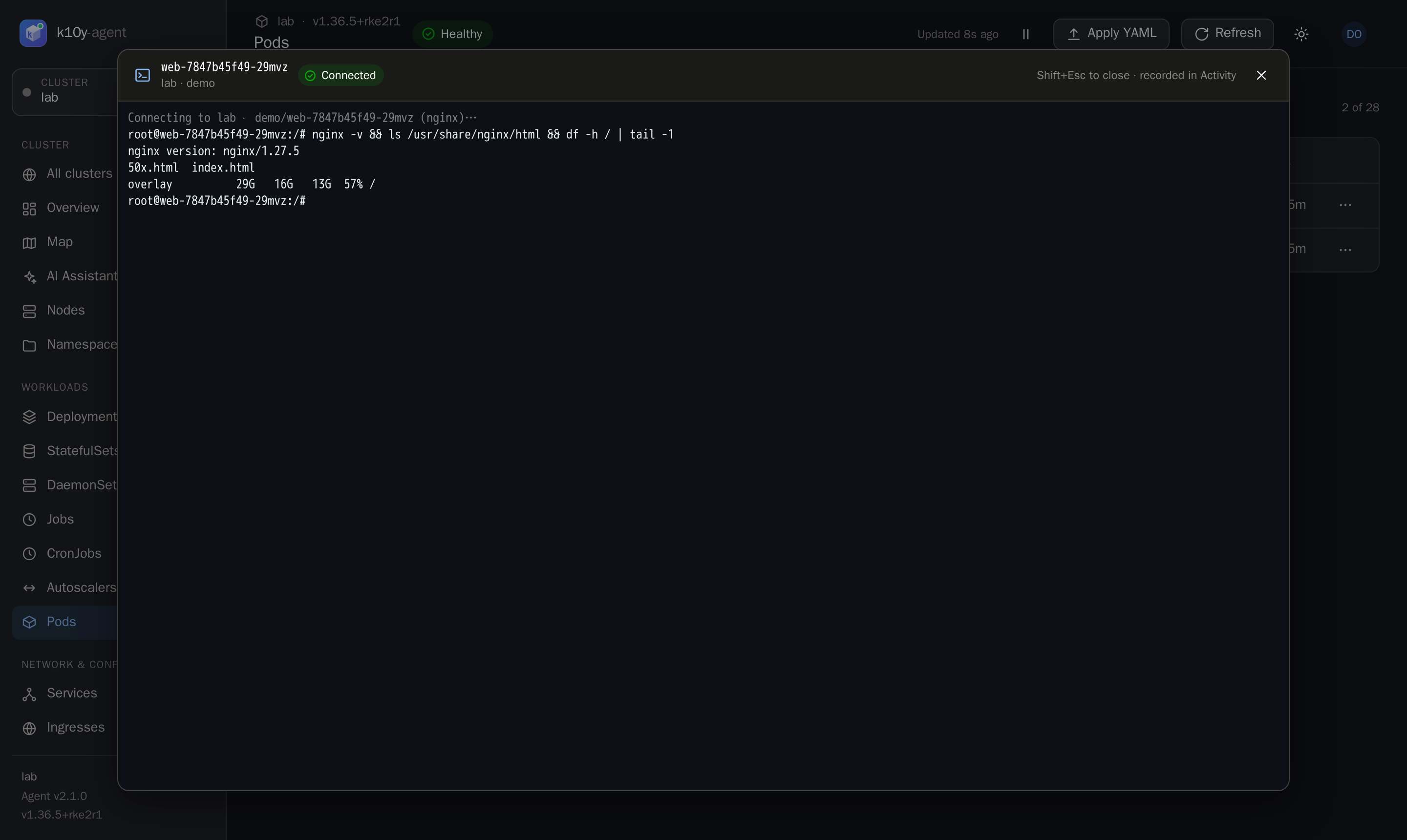
Open an interactive terminal in a running container, straight from the browser. It's like kubectl exec -it <pod> -- bash, but nobody needs a kubeconfig.
Who can use it
All four must be true:
- you have the
pods.execpermission on that cluster (Admin has it; add it to other roles as needed); - the agent has control enabled (
install.yaml); - the pod is Running;
- the namespace is not protected (
kube-systemandk10yare protected by default).
Open a shell
- On Pods, use ⋯ → Open shell, or
- open a pod and click Shell in its panel.
k10y starts bash if the image has it, and sh otherwise. For pods with several containers, pick the container at the top of the terminal.
Tips
- The terminal resizes with the window. Copy and paste work as usual.
- Press Shift+Esc or click × to close. If the connection drops, click Reconnect.
- Sessions end after 2 hours.
- Minimal images (distroless, scratch) have no shell, so they can't be opened.
Audit
Opening and closing a shell are both recorded in Activity as exec, with the pod, the container, your username and how long the session lasted. The commands typed inside the shell are not recorded.