
Connect clusters
Clusters are added once by an admin (permission clusters.manage). After that, everyone with a role on a cluster sees it.
Add a cluster
- Install the agent and copy its token.
- In the hub, open Administration → Clusters → Add cluster.
- Enter:
- Agent URL:
https://<node-ip>:30800. Any node works with a NodePort. - API token: the agent's token.
- Display name: optional. It defaults to the agent's cluster name.
- Verify TLS: off for the agent's self-signed certificate. Turn it on if you gave the agent a certificate the hub trusts.
- Agent URL:
- Click Test connection. You'll see the cluster name, Kubernetes version and agent version. Then click Add cluster.
The token is stored encrypted in PostgreSQL and never sent to browsers.
Switch between clusters
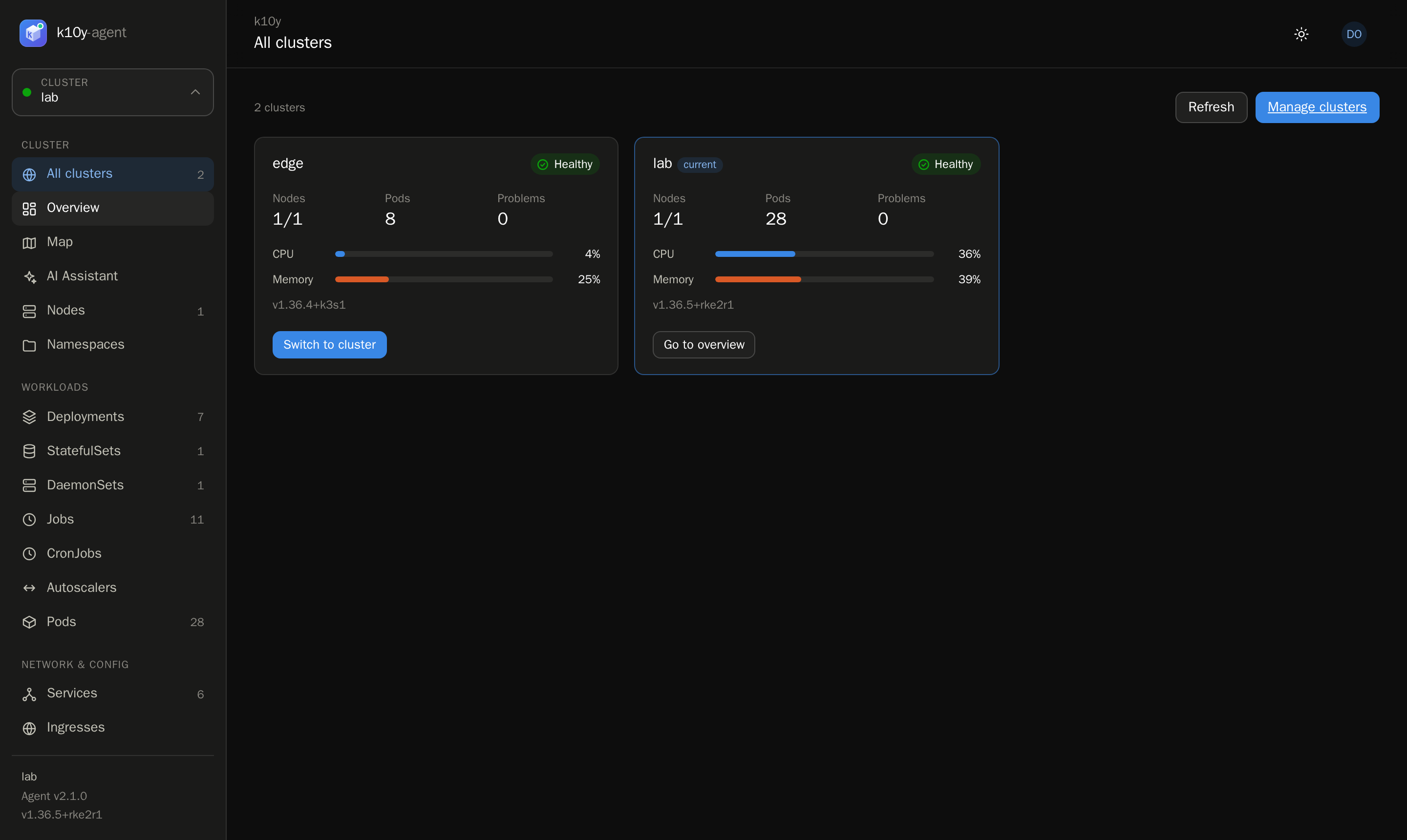
Use the cluster switcher at the top of the sidebar. All clusters shows every cluster with its health, nodes, pods and usage.
Rotate an agent token
bash
kubectl -n k10y delete secret k10y-agent
kubectl -n k10y rollout restart deploy/k10y-agent
kubectl -n k10y get secret k10y-agent -o jsonpath='{.data.api-token}' | base64 -d; echo
Then open the cluster in Administration → Clusters, paste the new token and save.
Remove a cluster
Administration → Clusters → Remove removes it from the hub. Nothing in the cluster changes. To remove the agent too, uninstall it.