
Quick start
You'll start the hub, install an agent on one cluster, and connect the two. It takes about five minutes.
1. Start the hub
On the machine that will run the hub (it needs Docker with Compose):
mkdir k10y && cd k10y
curl -LO https://github.com/zorouzumaki1111-cmd/k10y-agent/releases/latest/download/docker-compose.yml

cat > .env <<EOT
POSTGRES_PASSWORD=$(openssl rand -hex 24)
K10Y_SECRET_KEY=$(openssl rand -base64 48 | tr -d '\n')
K10Y_ADMIN_USER=admin
K10Y_ADMIN_PASSWORD=$(openssl rand -base64 12 | tr -d '/+=\n')
EOT
chmod 600 .env

docker compose up -d
grep ADMIN .env        # your first login
Cloned the repository?
Run make hub-up instead. It creates .env with random values and starts everything.
Keep .env safe
K10Y_SECRET_KEY encrypts the tokens and keys stored in the database. Back it up together with your data. Without it, those values can't be decrypted.
2. Sign in
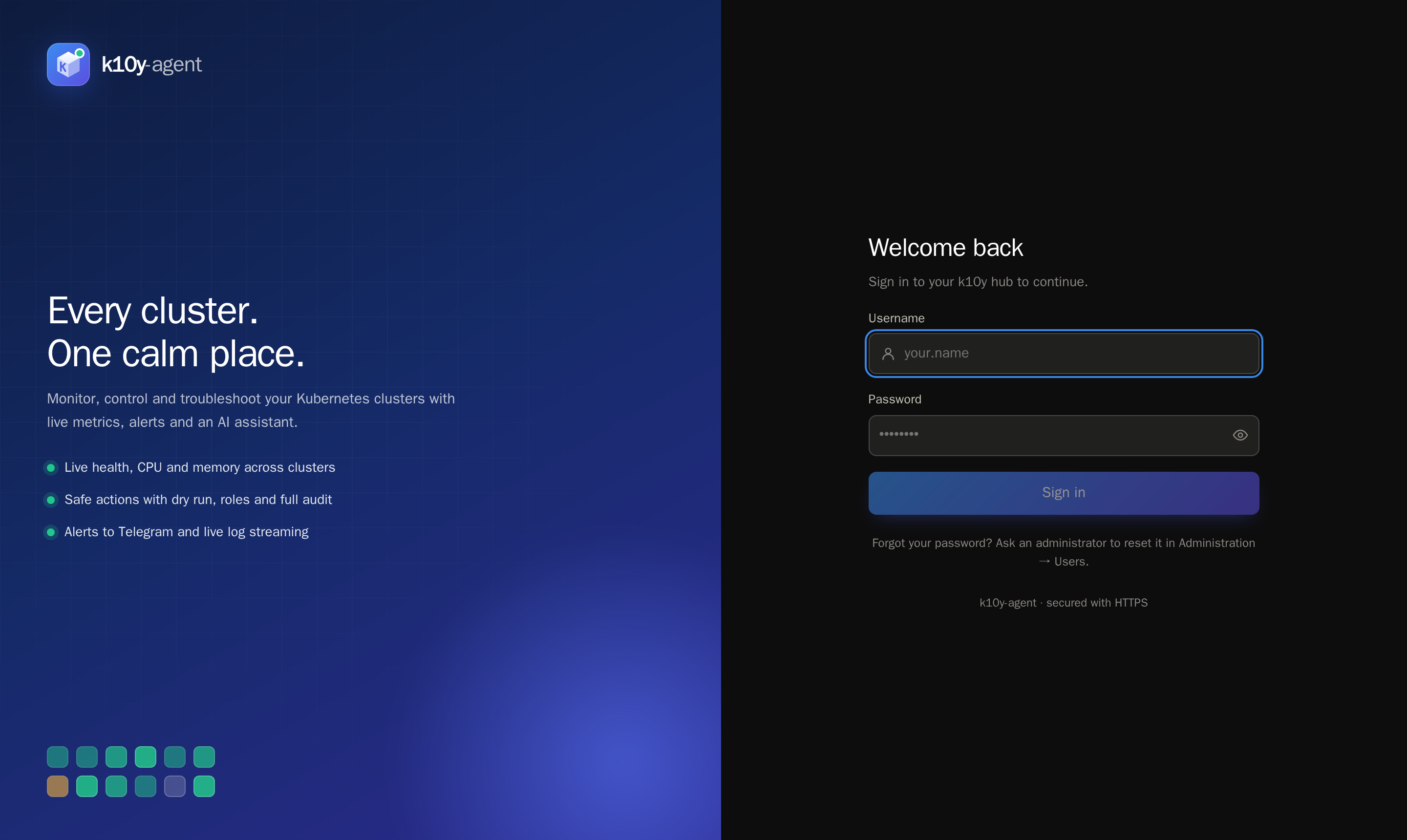
Open https://<server>:8443. The hub uses a self-signed certificate, so your browser will warn you once; choose Advanced → Proceed. Sign in with the admin user from .env. You'll be asked to set a new password straight away.
3. Install the agent on a cluster
With kubectl pointing at the cluster:
kubectl apply -f https://github.com/zorouzumaki1111-cmd/k10y-agent/releases/latest/download/install.yaml
kubectl -n k10y rollout status deploy/k10y-agent

# optional: the name shown in k10y
kubectl -n k10y create configmap k10y-settings --from-literal=cluster-name=production
kubectl -n k10y rollout restart deploy/k10y-agent

# the agent's API token, for the next step
kubectl -n k10y get secret k10y-agent -o jsonpath='{.data.api-token}' | base64 -d; echo
Want monitoring only? Use install-readonly.yaml instead. More install options →
4. Connect the cluster
In the hub, go to Administration → Clusters → Add cluster:
- Agent URL:
https://<any-node-ip>:30800 - API token: the value from step 3
- Verify TLS: leave it off for the agent's self-signed certificate
Click Test connection, then Add cluster. Open Overview and you'll see your cluster's health and live charts.
What's next
- Invite your team and give them roles.
- Set up alerts to Telegram.
- Add more clusters: repeat steps 3 and 4.