
Dashboard tour
The sidebar groups the pages. You only see the pages and clusters your roles allow, and you can hide any page you don't use in My settings.
Cluster
| Page | What it shows |
|---|---|
| All clusters | Every cluster with its health, nodes, pods and CPU/memory. Click one to switch to it. |
| Overview | Health (healthy, degraded or critical), open problems, live CPU and memory charts (5 min, 15 min, 1 h), and recent warnings. |
| Map | A diagram for one namespace: Ingress → Service → workload → (ReplicaSet) → Pod → ConfigMap, Secret or PVC. Click a box to highlight what it depends on and what depends on it. Missing references are flagged. |
| AI Assistant | Ask the AI to investigate the cluster, a namespace or one object. See AI assistant. |
| Nodes | Status, roles, CPU and memory, capacity, IP and version, plus live CPU and memory charts for every node. Cordon, uncordon and drain. The details panel shows conditions and taints. |
| Namespaces | Pods running/total, problems, deployments, services, CPU and memory per namespace. |
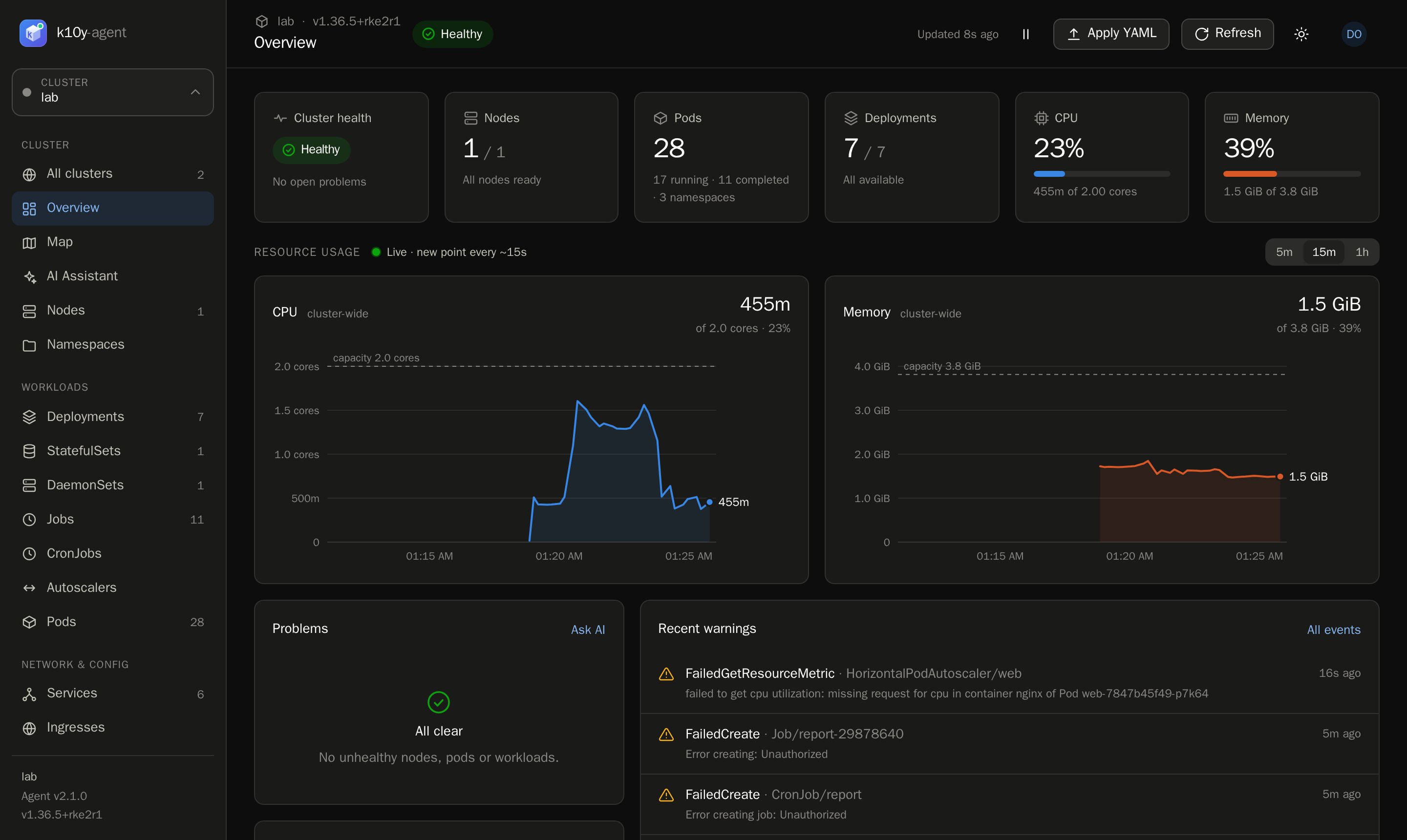
Workloads
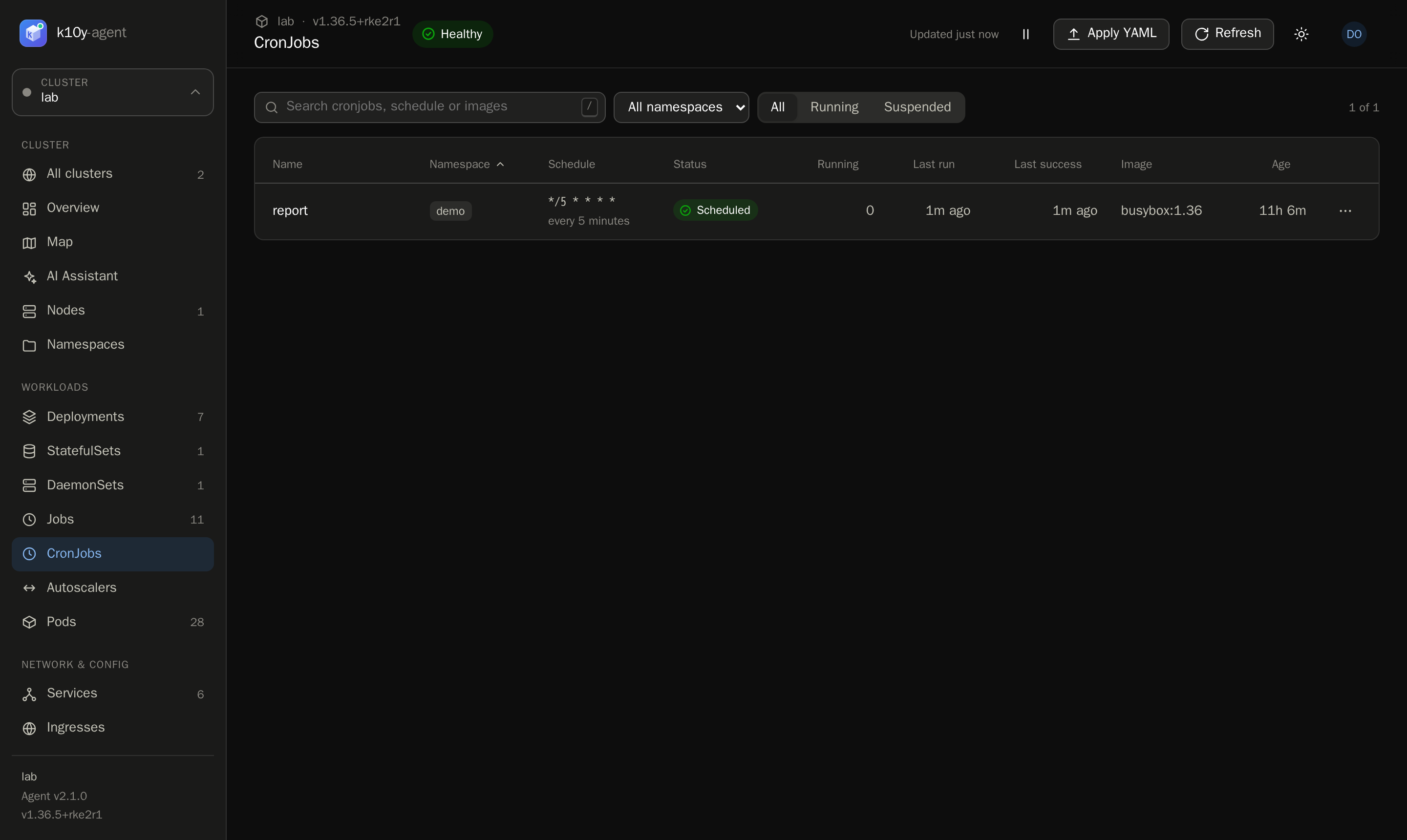
Deployments, StatefulSets, DaemonSets, Jobs, CronJobs, Autoscalers and Pods. Each list has search, a namespace filter, sorting, and a row menu (⋯) with the actions you're allowed to run. Click any row to open its details panel.
Network & config
Services (with NodePort links), Ingresses (hosts and routes), Storage (PVCs and PVs), ConfigMaps and Secrets. For Secrets you see names, types and key names only. Values are never shown.
Activity
| Page | What it shows |
|---|---|
| Events | Kubernetes events, newest first, with a warnings filter. |
| Alerts | Firing, pending and resolved alerts, and the alert rules. See Alerts. |
| Activity | The audit log: who did what, where, when, and the result. See Audit log. |
Details panel
Click any row to open it. Tabs:
- Overview: metadata, labels, the important spec and status for that kind, containers with images, resources and probes, conditions, and related objects. Click a related object to drill down, and use Back to return.
- YAML: the live object. With permission, you can edit it.
- Events: events for this object.
- Logs (workloads): live logs from all of its pods.
Pods open a dedicated panel with live CPU and memory charts, logs and a Shell button.
Handy details
- Press / to jump to the search box.
- Pause stops auto-refresh while you read; the refresh interval is in My settings.
- The theme follows your system, or choose light or dark.